Skip to main content
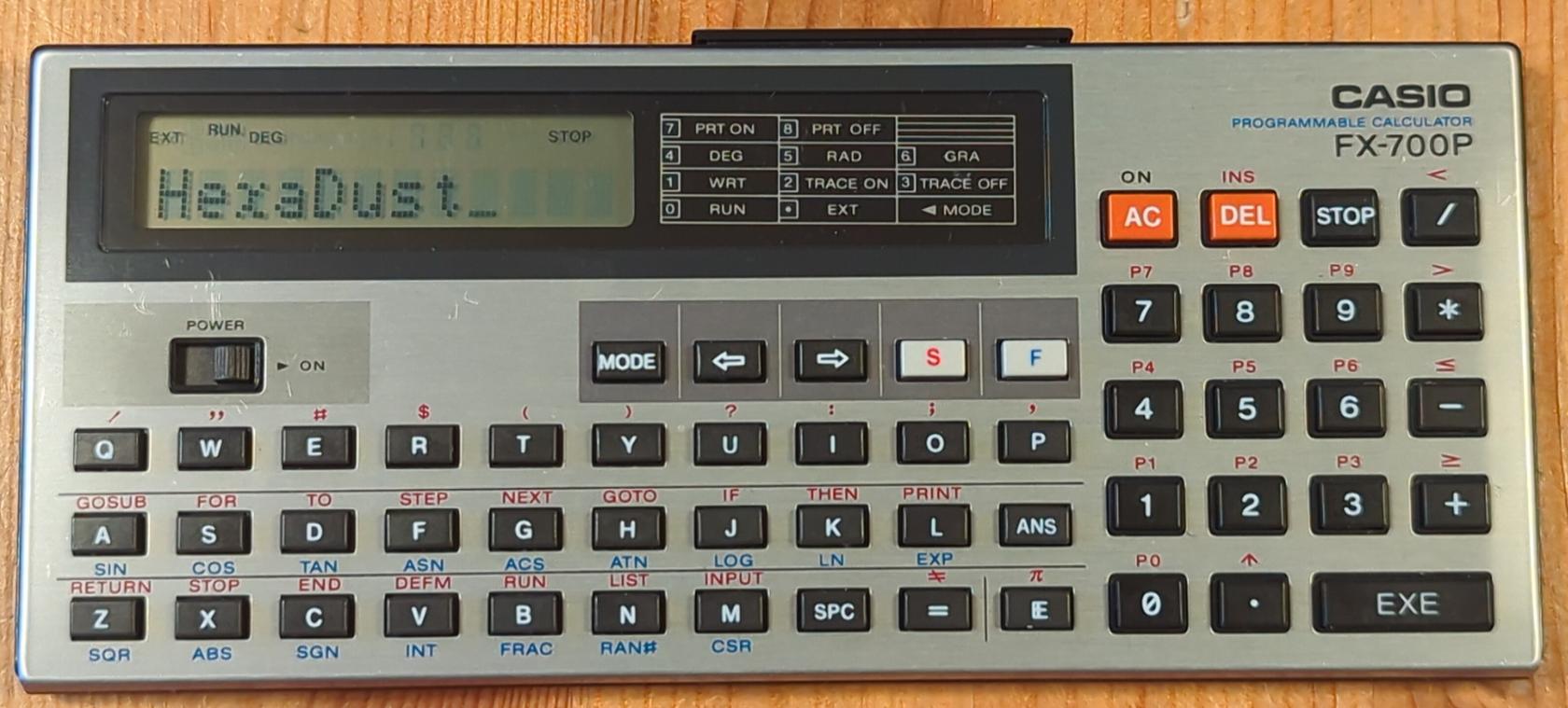
Casio FX-700P
Resources
Write program
- Enter write mode:
MODE, 1
- Select program
S, 0 to 9
- Enter program lines:
<line no> <command> <args>, EXEC
LIST to list the program (follow by line number to start from that line)
- Each listed line can be edited
AC to cancel any changes made to a lineEXEC save changes
- Changing
<line no> of a line makes a copy of it under that name (if already exist it overwrites existing one)
- Putting just
<line no> with no <command> removes that line
Running programs
- Enter run mode with
MODE, 0
S, <program number> to run it- Alternatively type
RUN to run currently selected program (last edited or run)
Typing
Lower case letters: MODE, . (dot; ext mode)