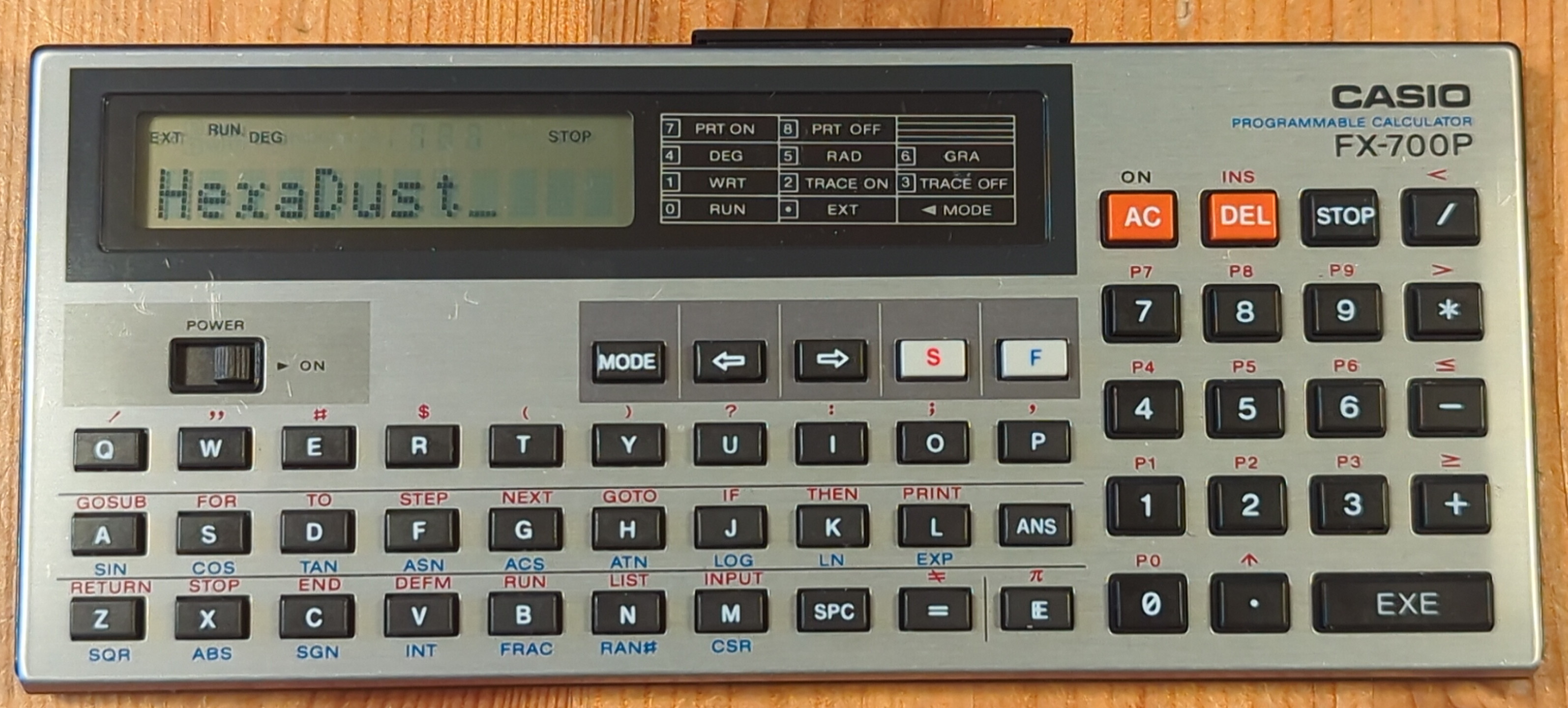
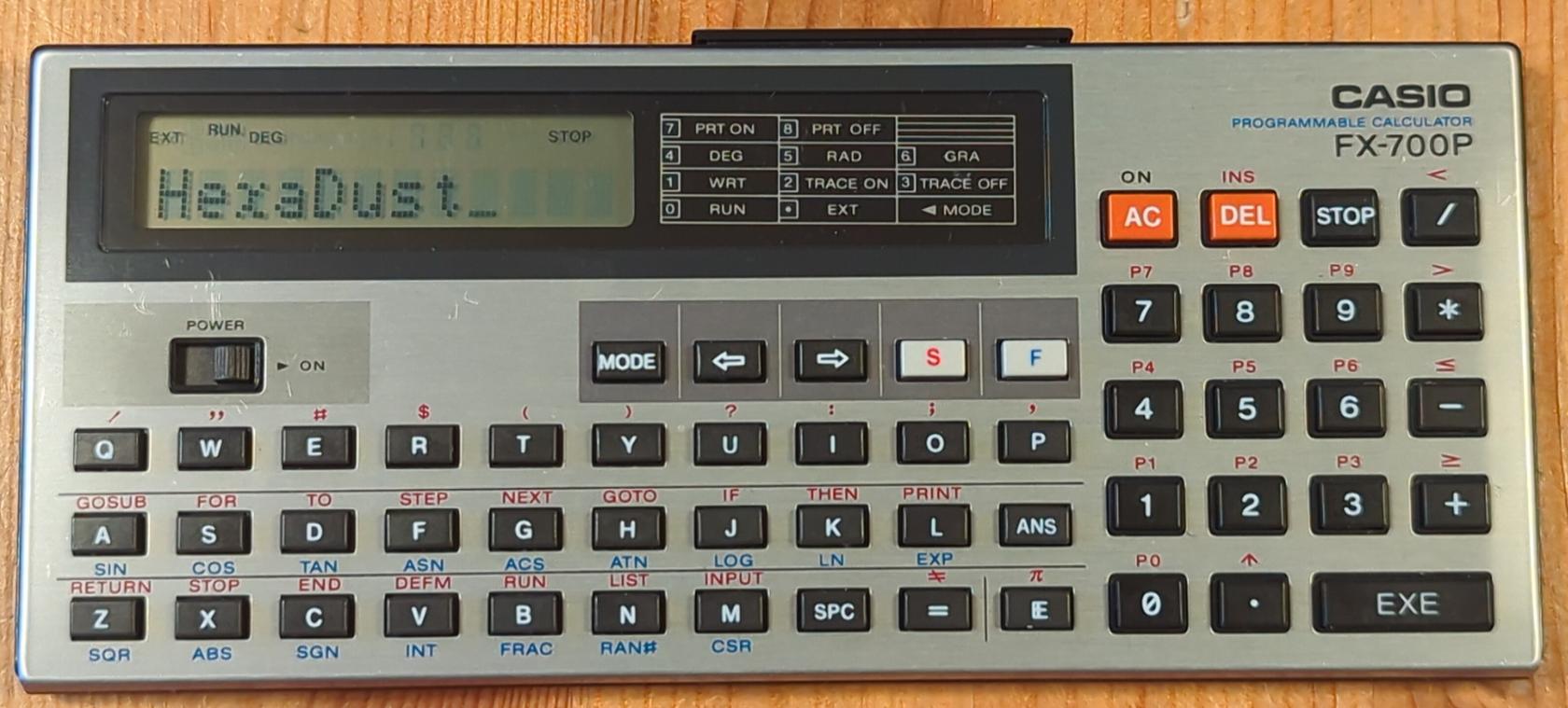
Casio FX-700P
Resources
WriteUsage
programWriting programs
- Enter write mode:
MODE, 1
- Select program
S, 0 to 9
- Enter program lines:
<line no> <command> <args>, EXEC
LIST to list the program (follow by line number to start from that line)
- Each listed line can be edited
AC to cancel any changes made to a lineEXEC save changes
- Changing
<line no> of a line makes a copy of it under that name (if already exist it overwrites existing one)
- Putting just
<line no> with no <command> removes that line
Running programs
- Enter run mode with
MODE, 0
S, <program number> to run it- Alternatively type
RUN to run currently selected program (last edited or run)
Typing
- Lower case letters:
MODE, . (dot; EXT mode)
BASIC games
Spot and stop
5 L=0
10 PRINT "Spot and Stop"
20 PRINT "HIGHEST=";H
30 PRINT "BY ";$
40 FOR G=1 TO 20
50 A=INT (RAN#*10)
60 GOSUB 300
70 INPUT C
80 IF A=C;L=L+20:PRINT "GOOD":GOTO 100
90 L=L/2:PRINT "MISSED"
100 NEXT G
110 L=INT L:PRINT :PRINT "SCORE=";L
120 IF L>H;H=L:PRINT "NEW HIGH":INPUT "NAME",$
130 END
300 PRINT "::::::::::";
310 PRINT CSR A;";";:FOR W=1 TO 40:NEXT W
315 PRINT
320 PRINT "0123456789";
330 RETURN